 Manifestum
Fake virus pop-up? It's a scam. Here's what to do
Microsoft will never ask you to call a number from a pop-up. Here's what to do.
It is a scam. Do not call the number and do not click anything in the message. Close the browser with Task Manager (Ctrl, Alt and Delete), or restart the computer if it will not close.
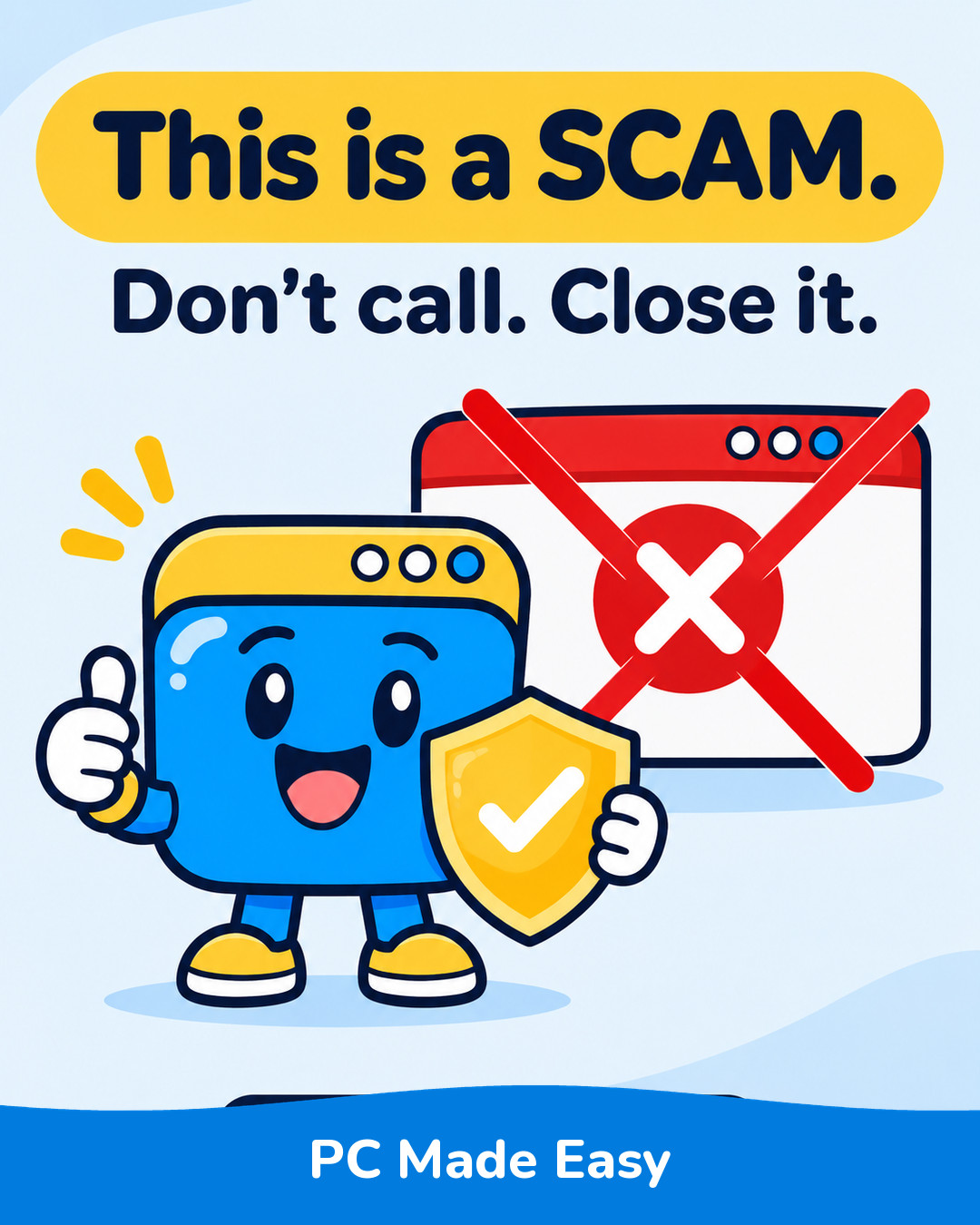
A big red message pops up: "Your computer is infected! Call Microsoft now!" Your heart races.
Stop. Breathe. It's a scam. Microsoft will never ask you to call a number from a pop-up. If you are new here, start with our welcome guide.
How can I tell the pop-up is fake?
A real Windows warning does not ask you to phone anyone. Microsoft says its error and warning messages never include a phone number. Other clues: the message often fills the screen, plays a loud alarm, or tells you not to turn the computer off. It may look like Windows Security, but it is usually just a page in your web browser. You can read the same advice on Microsoft's page about tech support scams.
How do I close it if it won't go away?
- Don't call and don't click anything in the message.
- Press Ctrl, Alt and Delete together, open Task Manager and close your browser.
- Still stuck? Restart the computer.
Task Manager is a small window that lists the programs running on your computer. Look for your browser, for example Edge, Chrome or Firefox. Click it, then choose End task. The scary message should go away when the browser closes. Do not type any passwords into that message, and do not call any number it shows you.
If the message is still there, restart the computer. Use the Start button, then Power, then Restart, if you can. If you cannot, hold the power button until the computer turns off, wait a few seconds, and turn it on again.
What if I already called or gave them access?
You can still put this right. From a different device, such as your phone, change the passwords for email, banking and any other important accounts. If you paid them or gave card details, call your bank and explain that it was a scam.
If they asked you to install a program, uninstall it. Open Settings, then Apps, and remove anything you do not recognise from that call. If you are not sure where the downloaded file went, our guide on finding a lost file shows how to look in Downloads.
Share this with someone you love. It could save them a lot of money.
Frequently asked questions
Will Microsoft ever show a phone number in a virus warning?
No. Microsoft says its error and warning messages never include a phone number. A pop-up asking you to call is a scam.
Is my computer infected if I saw the pop-up?
Usually not. The pop-up is a web page. Close the browser with Task Manager and do not call or click anything in it.
What should I do if I already called the number?
Change your passwords from another device, call your bank if you paid, and uninstall any program they asked you to install.
These guides also appear on the PC Made Easy Facebook page.